// scratch projects
Load a ready-made project
Download a project, then open it in Scratch to keep coding.
Start hereStarter projectYour spooky scene, a ghost and a bat are ready. You add the code!Download .sb3 ↓
Stuck? Peek hereFinished gameThe whole game, all coded. See how it works, then change it.Download .sb3 ↓
Ages 8+Super challengeThree ghosts, each faster than the last, and a score to beat.Download .sb3 ↓
How to open it: go to scratch.mit.edu, click File → Load from your computer, and choose the file you downloaded.
// pick your scene
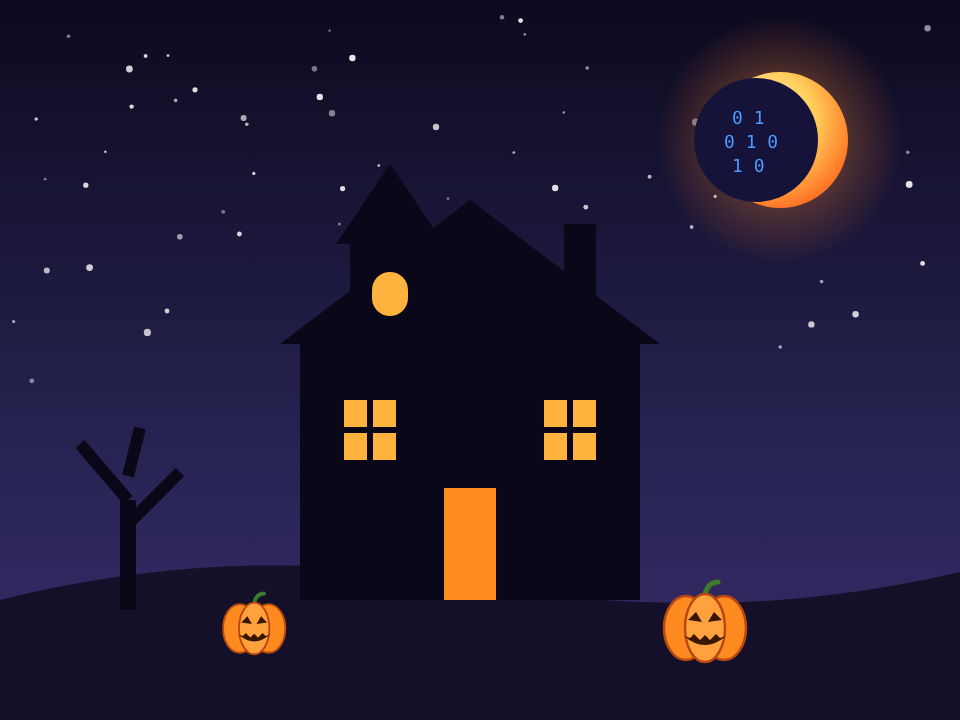
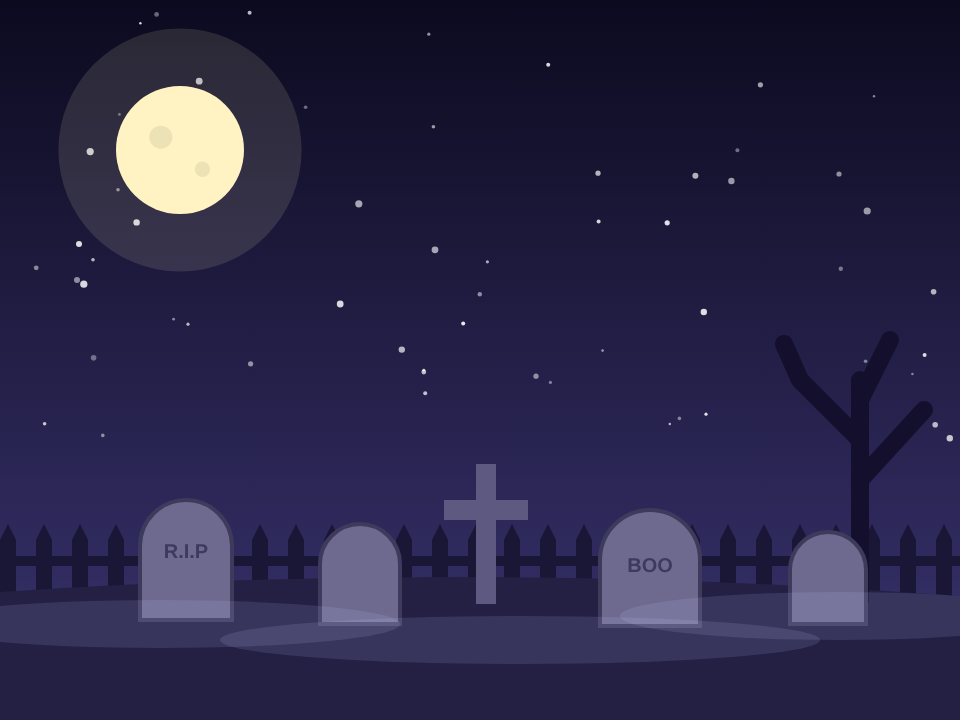
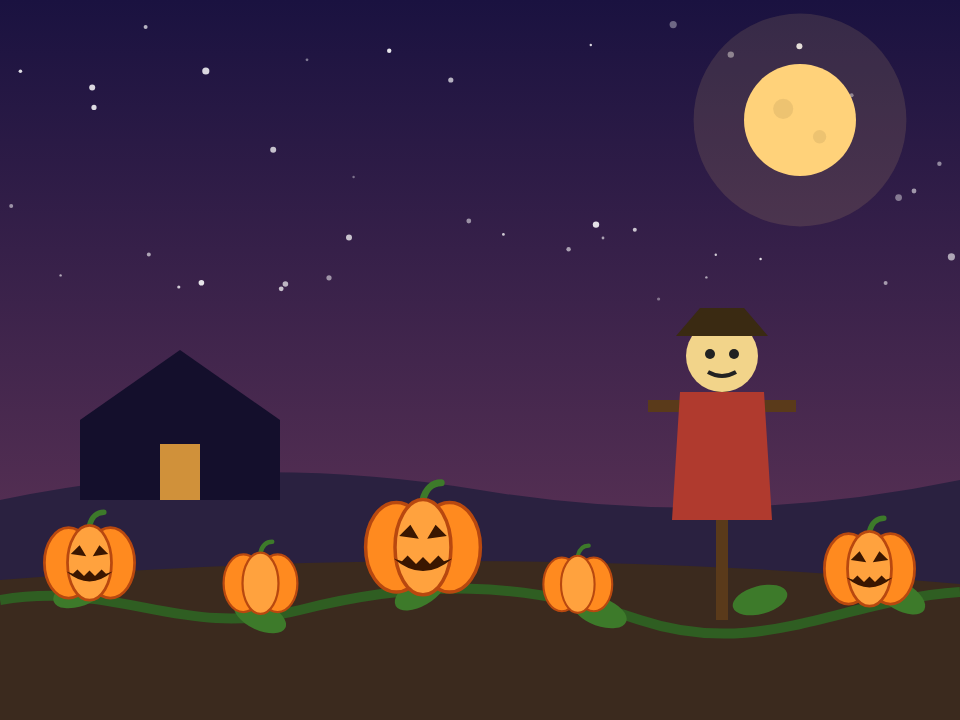
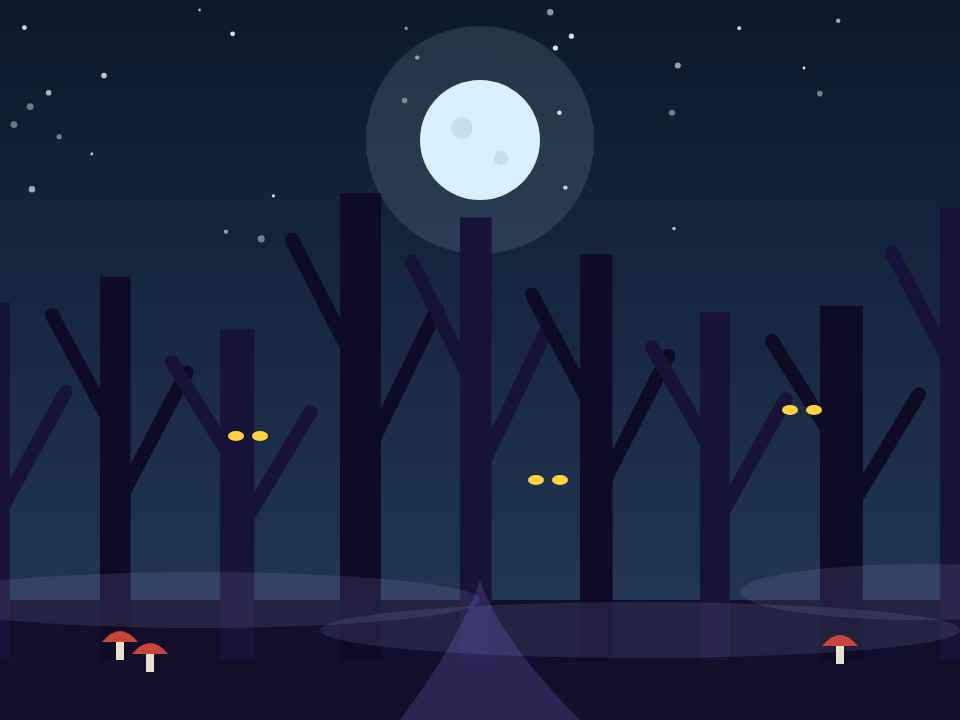
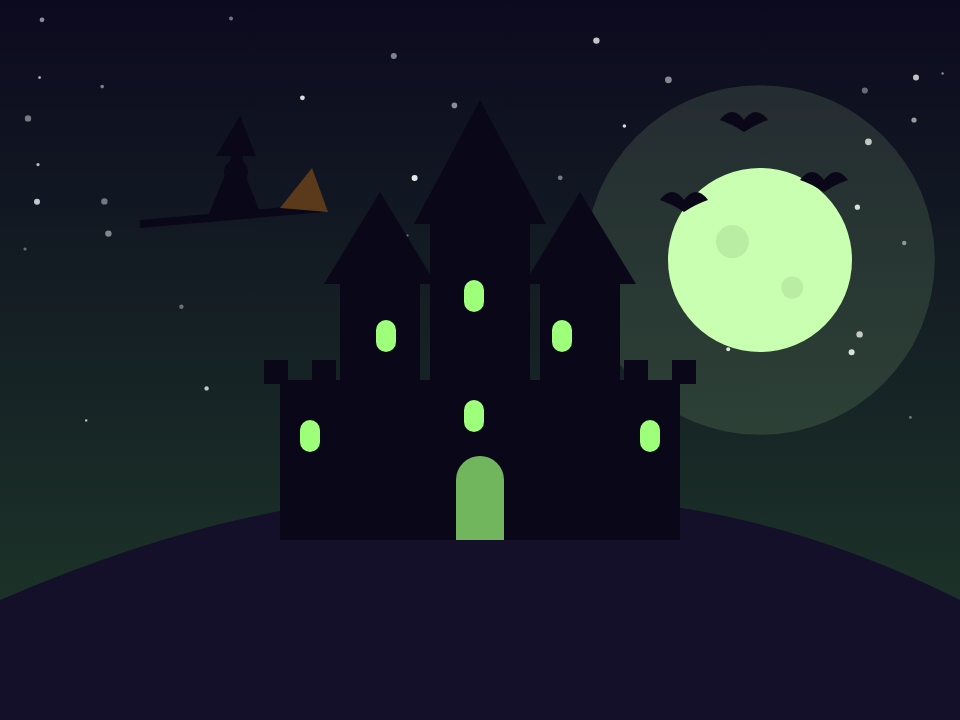
Spooky backdrops
All six are already inside the projects (click Stage → Backdrops). To use one in your own project, download it, then hover over the backdrop button in Scratch and click Upload.
// step by step
1
Pick your spooky scene
- Click the picture button at the bottom right and pick a spooky backdrop.
- Click the cat button next to it, find the Ghost and click it.
- Bonus: add a Bat too!
2
Make your ghost fly
Click your ghost, then find these colours and snap them together:
when green flag clicked
forever
glide 1 secs to random position
Click the green flag. Your ghost flies!
3
Catch the ghost!
Add these blocks to your ghost too:
when this sprite clicked
say Boo! for 2 seconds
start sound (pick a spooky one)
Click the green flag. Can you catch your ghost?
★
Super challenges (ages 8+)
- Add a score: go to Variables → Make a Variable → call it score. Put change score by 1 under when this sprite clicked.
- More ghosts: right-click your ghost and choose duplicate. How many can you catch?
For grown-ups
Scratch is free and runs in any web browser. To save a project, ask a grown-up to help create a free Scratch account at scratch.mit.edu. Want more sessions like this? Follow @codeeclipsehq on Instagram.
Explore Code Eclipse